Your phone, quiet again.
Not Interested screens texts from unknown senders and blocks known spam callers, so only the messages and calls you want get through.
One app for texts and calls
Not Interested plugs into the Messages and Phone apps you already use. Nothing new to open, nothing to check.
Spam texts go to Junk. Known spam calls never ring.
Not Interested works inside Messages and Phone. Here is what it does with a text or a call from a number you don't know.
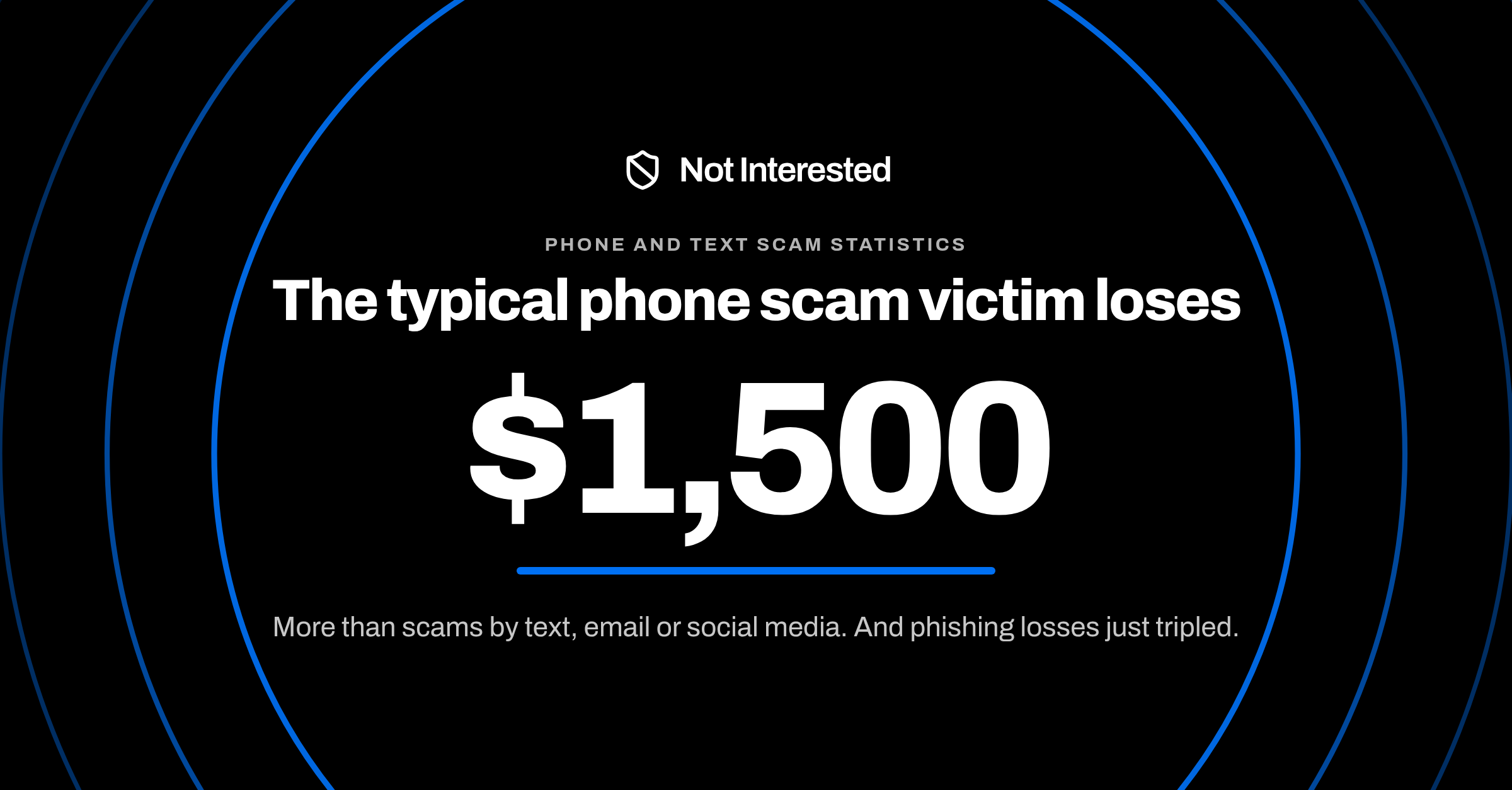
When a scam works, a text costs its victim a median of $1,000 and a phone call $1,500. See the FTC numbers
A text from a number you don't know
Only texts from unknown senders are screened-
It arrives iPhone hands texts from unknown senders to Not Interested before they reach your inbox.+1 (312) 555-0184Unpaid toll of $4.15. Pay within 24 hours to avoid a late fee.
-
It reads what the text says Fake tolls, prizes, job offers, political blasts: judged on the message, not just the number.+1 (312) 555-0184PhishingUnpaid toll of $4.15. Pay within 24 hours to avoid a late fee.
-
It files spam as Junk Out of your conversation list. Texts from people you know stay exactly where they were.MMomSee you at 6!JJessRunning 5 min lateJunkUnpaid toll of $4.15…
A call from a known spam number
Only numbers on the known spam list are blocked-
A spam number dials you Robocallers rotate through numbers, so blocking them one at a time never ends.+1 (305) 555-0166Incoming call
-
iPhone checks the list on your phone Not Interested keeps the list of known spam numbers on your iPhone. Your call history never leaves it.+1 (305) 555-0152+1 (305) 555-0166Match+1 (305) 555-0171Known spam list · on this iPhone · updated daily
-
It never rings, or rings labelled Known spam is blocked before your phone rings. Likely spam shows a label so you can decide.BlockedYour phone never rangSuspected spamLikely spam still rings, labelled
- Your contacts are never screened
- iMessages are never screened
- Anyone you've replied to three or more times counts as known
Set up once, in about a minute
- Install and open Not InterestedDownload it from the App Store.
- Turn on call blockingTap Turn On in the app, then choose Not Interested under Call Blocking & Identification.
- Turn on text filteringSettings, Apps, Messages, Unknown Senders, Text Message Filter. Choose Not Interested.
Latest insights
How to spot and stop spam texts, spam calls and phone scams on your iPhone.
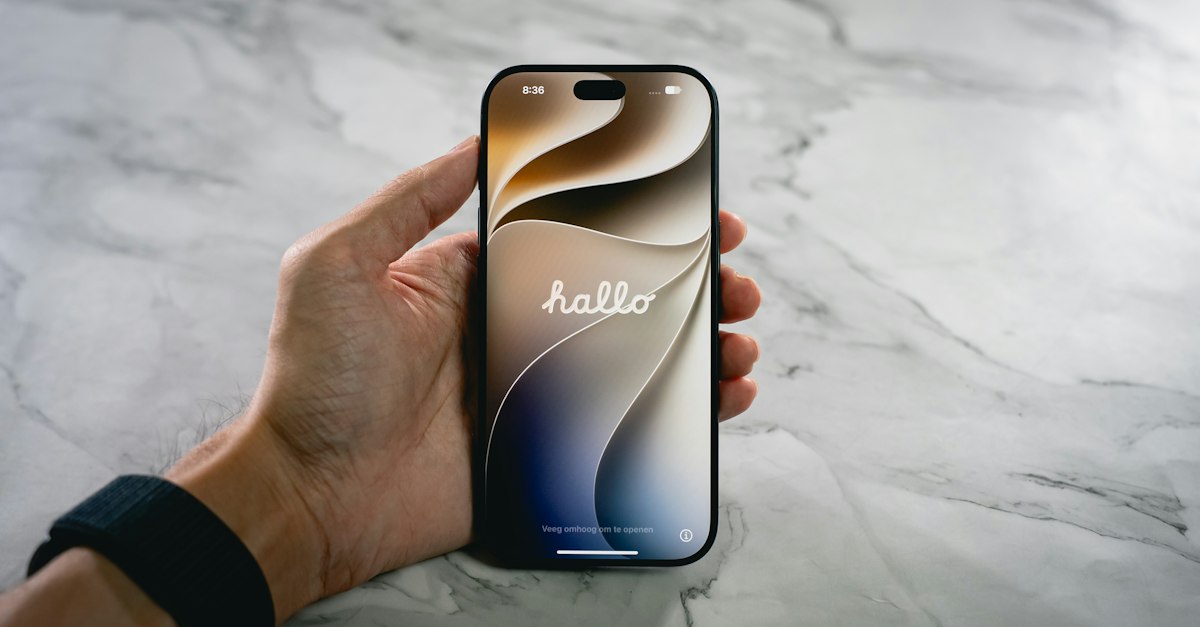
How to Block Unknown Callers on iPhone
To block unknown callers on iPhone, set Screen Unknown Callers to Silence. What each option does, how to turn it off, and how to keep the calls you want.
Stop answering spam.
Turn on Not Interested once and spam texts and calls stop reaching you.