Not Interested
Fake toll and bank texts get filed as Junk before you can tap the link.
Screens texts from unknown senders and blocks known spam callers. Your contacts are never screened.
What Is Smishing? How to Spot a Scam Text Before You Tap
Smishing is phishing by text: a fake toll bill, bank alert or delivery notice with a link. How to spot one, what to do if you tapped, and where to report it.
Got a text saying you owe $12.51 in unpaid tolls and will be charged a $50 late fee unless you pay through a link? That's smishing. Smishing is phishing by text message, a mashup of SMS and phishing, in the FCC's words: a text that pretends to come from a bank, a toll road, a delivery company or a government agency, with a link or phone number that leads to a scammer. When one works, the typical victim loses $1,000, according to FTC fraud reports.
Smishing is phishing, sent by text
The FBI defines smishing as "the malicious targeting of individuals using Short Message Service (SMS) or Multimedia Message Service (MMS) text messaging." Its voice-call cousin is vishing, and the email version is plain phishing. The goal is the same in all three: get you to hand over a password, an account number or money.
A smishing text usually wants one of three things:
- Your login: a link to a fake website that looks like your bank's. Log in, and the scammer has your username and password.
- Your personal or financial details: an account number, your Social Security number, a card number.
- Your phone: the FCC warns that some texts try to get you to download malware.
Smishing texts use a short list of stories
The FTC lists the lures scammers use most. If a text you didn't expect says any of these, treat it as a scam until you've checked:
- You've won a prize, gift card or coupon.
- A deal is waiting: a low or no-interest credit card, or help paying off student loans.
- Something is wrong with your account: suspicious activity, or a problem with your payment information.
- You owe money: an invoice you don't recognize, or an unpaid toll.
- A package is waiting: a delivery notification you weren't expecting.
The FTC's rule of thumb: legitimate companies won't ask for information about your account by text.
Fake toll texts are a smishing wave the FBI tracked across states
From early March to April 12, 2024, the FBI's Internet Crime Complaint Center received over 2,000 complaints about one smishing campaign, from at least three states. The texts claimed the recipient owed money for unpaid tolls, used almost identical wording from state to state, and linked to a website named to look like the state's own toll service. This is the text the FBI published:
(State Toll Service Name): We've noticed an outstanding toll amount of $12.51 on your record. To avoid a late fee of $50.00, visit https://myturnpiketollservices.com to settle your balance.
Small amount, short deadline, official-sounding link. That combination is the pattern to learn.
Some smishing texts pretend to be someone you know
Not every smishing text claims to be a company. In May 2025 the FBI warned that since April, scammers had sent texts and AI-generated voice messages impersonating senior US officials. They build rapport first, then send a malicious link presented as a move to another messaging app.
The same warning describes a wider trick: scammers "typically use software to generate phone numbers that are not attributed to a specific mobile phone or subscriber" and pose as an associate or family member. The FBI's advice is to research the number first, then find the person's number yourself and call to check.
How to tell a real text from a smishing text
- Look at the link, not the logo. The FBI warns that scammers use "slight differences" in web addresses, names and numbers. The toll texts linked to a site named to look like the real toll service.
- Distrust a deadline. The FBI's sample toll text threatened a $50 late fee on a $12.51 balance.
- Check it yourself. The FCC's advice is to find the company's contact details on your bill or its official website, and call or log in there. Never use the number or link in the text.
- Don't reply, not even STOP. The FCC says not to respond, "even if the message requests that you 'text STOP' to end messages."
If you already tapped the link, secure your accounts now
The FBI's advice after a smishing text: if you clicked a link or gave your information, "take efforts to secure your personal information and financial accounts" and dispute any charges you don't recognize.
- Entered a password? Change it on the real website, and turn on multi-factor authentication, which the FCC recommends for bank, health and social media accounts.
- Entered card or bank details? Contact your bank or card issuer using the number on your card, and watch for charges you don't recognize.
- Offered a download? Don't install it. The FCC warns some smishing texts try to put malware on your phone.
- Keep your iPhone updated. The FCC lists keeping your phone's software current as one of the ways to avoid smishing.
Report smishing texts in three places
The FTC lists three ways to report a scam text:
- Forward it to 7726 (SPAM). This helps your carrier block similar messages.
- Report it in Messages. On iPhone, tap Report Spam at the bottom of a message from an unknown sender, then Delete and Report Spam. You can't report a message after you've replied to it.
- Report it to the FTC at ReportFraud.ftc.gov.
For fake toll texts, the FBI also asks you to file at ic3.gov with the number the text came from and the website it linked to.
Smishing losses are rising, and most reported attempts cost nothing
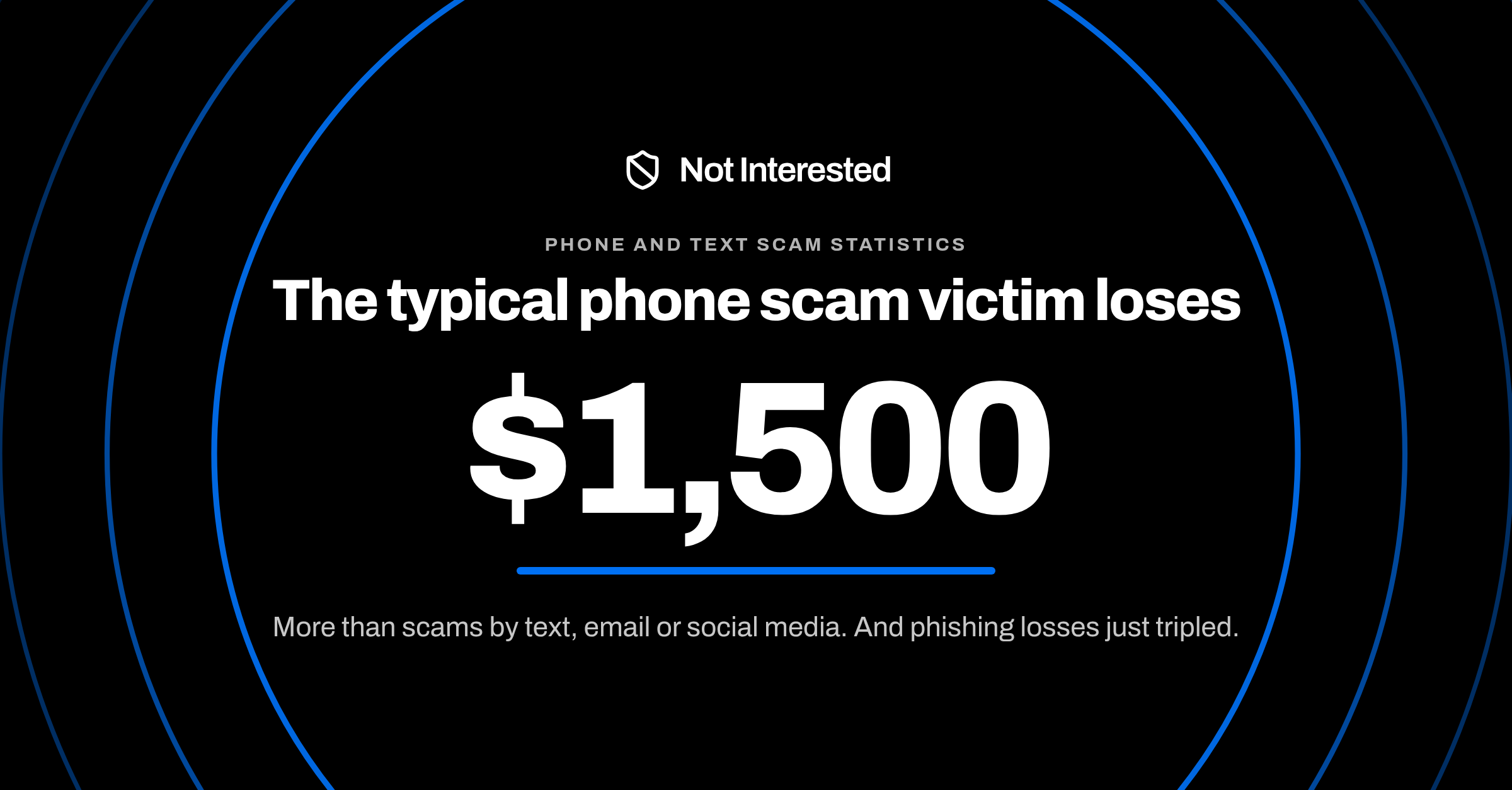
Losses reported to the FBI from phishing and spoofing, which covers scam texts, calls and emails, rose from $70.0 million in 2024 to $215.8 million in 2025. Yet only 11% of fraud reports that began with a text included a money loss, according to the FTC's 2024 data. When a text scam did work, the median loss was $1,000. See the full phone and text scam statistics.
A spam filter can catch the smishing text before you read it
Deleting smishing texts works, but only after you've seen them. Not Interested checks every text from an unknown sender before it reaches your inbox. It's built to file a text as Junk when it claims to be a bank, carrier, delivery service, toll authority or government agency but links somewhere that isn't that organization's own website.
- Your contacts and iMessages are never screened.
- Anyone you've replied to three or more times counts as known to iOS and skips filtering.
For the iPhone settings that help too, see how to stop spam texts on iPhone.
The safest smishing text is the one you never open
Learn the pattern, check links before you trust them, and report what you catch. To have fake toll, bank and delivery texts filed away before you see them, get Not Interested.